How to Make Your First Deposit on VM Supreme Using GCash
Why GCash Is Popular for VM Supreme Deposits
GCash is one of the most widely used e-wallets in the Philippines, making it a convenient choice for funding your VM Supreme account. Most Filipino players already have GCash installed on their Android phones for everyday transactions, so using it to deposit pesos into an online casino feels familiar and straightforward.
VM Supreme accepts GCash deposits starting at PHP 100, which matches the typical budget of players in Metro Manila and the provinces. Because the process happens entirely on your mobile device, you can top up your casino balance from anywhere—whether you're at home or on the go.
This guide walks you through every step of making your first GCash deposit on VM Supreme, from tapping the deposit button to seeing your pesos appear in your account balance.
Before You Start: What You Need
To make a GCash deposit on VM Supreme, you need three things ready:
- A verified VM Supreme account. You must complete registration and submit your valid ID for verification before the platform allows deposits.
- The GCash app installed on your phone. Download it from the Google Play Store if you haven't already.
- Enough balance in your GCash wallet. Make sure you have at least PHP 100 loaded, plus any GCash transaction fees if applicable.
If you haven't registered on VM Supreme yet, you'll need to create an account first by providing your mobile number, email, and personal details, then uploading a government-issued ID such as a driver's license, passport, or UMID.
Once your account is verified, you can proceed with your first deposit.
Step 1: Log In to VM Supreme and Tap the Deposit Button
Open the VM Supreme site on your mobile browser. Most Filipino players access VM Supreme on Android phones, so this guide assumes you're using a mobile device.
Enter your username and password on the VM Supreme login page, then tap the login button. If you've saved your credentials in your browser, this step takes just a few seconds.
After logging in, look for the Deposit button. On most casino sites, including VM Supreme, the deposit option appears prominently at the top of the screen or in the main menu. Tap it to open the deposit page.
Step 2: Select GCash as Your Payment Method
The deposit page will show a list of payment methods accepted by VM Supreme. You'll typically see options such as GCash, Maya, bank transfer via InstaPay, and PESONet.
Tap on GCash to select it as your deposit method. The page will refresh or expand to show the GCash deposit form.
Step 3: Enter Your Deposit Amount
You'll see a field asking you to enter the amount you want to deposit. VM Supreme sets a minimum deposit of PHP 100 for GCash transactions.
Type in the amount you wish to add to your casino balance. Common first deposits range from PHP 100 to PHP 500, depending on your budget and how much you plan to play.
Important: Only deposit what you can afford to lose. Gambling should be for entertainment, not a way to make money or solve financial problems.
Before confirming, double-check the amount you entered. Some platforms also display any applicable fees at this stage, though GCash transactions to VM Supreme are typically fee-free from the casino's side. GCash itself may charge a small convenience fee depending on your wallet tier and transaction type.
Once you've confirmed the amount, tap the Proceed or Continue button.
Step 4: Linking Your GCash Account
After you tap Proceed, VM Supreme will redirect you to the GCash payment gateway. This step happens automatically in most cases—you'll either be taken to a GCash web page or the GCash app will open directly on your phone.
If the GCash app is already installed and you're logged in, the app will launch and show a payment authorization screen. You'll see:
- The name of the merchant (VM Supreme or its payment processor)
- The amount you're depositing
- A confirmation prompt
If you're not logged in to GCash, you'll be asked to enter your MPIN—the six-digit security code you set up when you created your GCash account.
First-Time Linking
If this is your first time using GCash with VM Supreme, you may be asked to authorize VM Supreme as a linked merchant. This is a one-time security step. Review the details on the screen, then tap Allow or Authorize.
GCash will store this link so future deposits go through faster. You won't need to re-authorize every time unless you change your GCash account or reset permissions.
Step 5: Authorize the Payment on Your Phone
Once the GCash app displays the payment details, review everything carefully:
- Merchant name
- Deposit amount in pesos
- Any fees listed
If everything looks correct, tap Confirm or Pay Now. Depending on your GCash security settings, you may be asked to enter your MPIN again or verify with your fingerprint or face unlock.
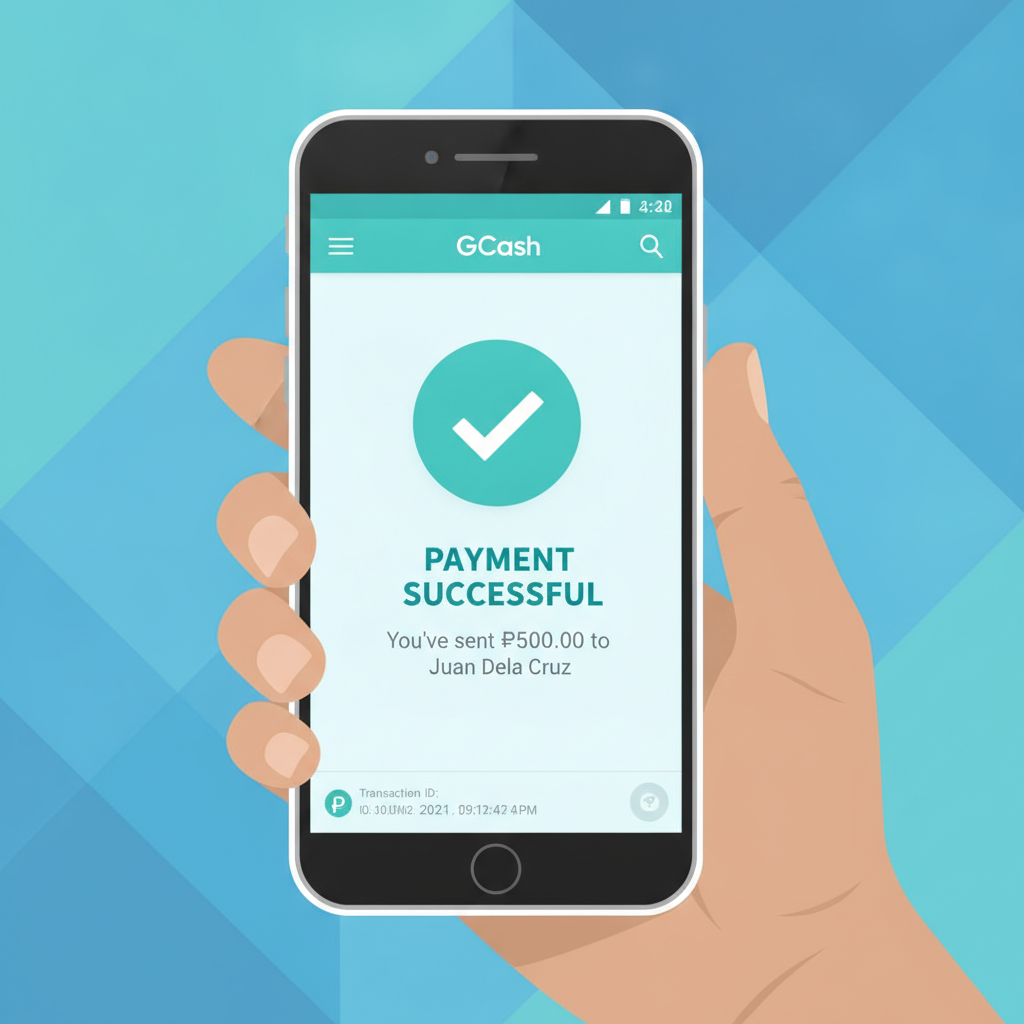
After you authorize the payment, GCash will process the transaction. You'll see a confirmation screen in the GCash app showing that the payment was successful. Keep this screen open or take a screenshot for your records, especially for your first deposit.
Step 6: Return to VM Supreme and Check Your Balance
After GCash confirms the payment, the app or browser will redirect you back to the VM Supreme site. In most cases, this happens automatically within a few seconds.
Once you're back on VM Supreme, check your account balance. Look for the balance display at the top of the screen or in your account dashboard.
How Long It Takes for Pesos to Appear in Your VM Supreme Balance
GCash deposits to VM Supreme are usually instant or near-instant. In most cases, your pesos will appear in your VM Supreme account within one to three minutes after you authorize the payment.
However, during peak hours—such as evenings and weekends when many players are online—processing may take a bit longer. If your balance hasn't updated after five minutes, try refreshing the page or logging out and logging back in.
If the deposit still doesn't appear after 10 to 15 minutes, check the following:
- Your GCash transaction history. Open the GCash app and look at your recent transactions. If the payment to VM Supreme shows as "successful" or "completed," the money has left your GCash wallet.
- Your VM Supreme transaction history. Most casino sites have a deposits or transaction history page where you can see pending and completed deposits.
If GCash shows the payment went through but your VM Supreme balance hasn't updated after 30 minutes, contact VM Supreme customer support. Have your GCash transaction reference number ready—you can find this in your GCash app under transaction details.
What Happens After Your Deposit Is Confirmed
Once your pesos appear in your VM Supreme balance, you're ready to play. You can use your deposited funds to:
- Spin slots and try jackpot games. VM Supreme offers a wide selection of slot machines with different themes and features.
- Join live dealer tables. Play baccarat, blackjack, or roulette with real dealers streamed to your phone.
- Bet on sports. Place wagers on PBA, NBA, volleyball, and other sports events.
- Play bingo. Join bingo rooms if you prefer a more social, casual game.
Each game type has its own minimum bet. Slots often start at PHP 1 per spin, while live dealer tables may require PHP 50 to PHP 100 per hand depending on the game. Check the game rules or table limits before you start playing.
Depositing Responsibly: 21+ and Gamble Within Your Means
VM Supreme is for players aged 21 and over only. You must be at least 21 years old to register, deposit, and play on the platform.
When making your first deposit—or any deposit—remember to only deposit money you can afford to lose. Treat your deposit as the cost of entertainment, similar to buying a movie ticket or dining out. Never deposit money meant for bills, rent, groceries, or other essential expenses.
If you find yourself depositing more than you planned or chasing losses, take a break. Responsible gambling means knowing your limits and sticking to them. Set a budget before you play, and stop when you reach it—whether you're winning or losing.
VM Supreme and other online casinos are designed for entertainment, not as a way to make money. Outcomes in slots, live dealer games, and sports betting are unpredictable, and there is always a risk of losing your deposit.
Tips for a Smooth First Deposit Experience
Here are a few practical tips to make your first GCash deposit on VM Supreme as smooth as possible:
- Load your GCash wallet in advance. Don't wait until you're ready to deposit to add funds to GCash. Load your wallet earlier in the day using a GCash partner or cash-in option.
- Use a stable internet connection. Whether you're on mobile data or Wi-Fi, make sure your connection is reliable to avoid interruptions during payment authorization.
- Double-check the amount. Once you confirm, you can't cancel the transaction. Make sure you entered the correct deposit amount before tapping Pay.
- Keep your GCash and VM Supreme login details secure. Use a strong password and enable two-factor authentication if available.
What This Guide Covered
This walkthrough explained how to make your first deposit on VM Supreme using GCash:
- Log in to VM Supreme and tap the Deposit button.
- Select GCash as your payment method.
- Enter your deposit amount (minimum PHP 100).
- Authorize the payment in the GCash app using your MPIN or biometric login.
- Wait one to three minutes for your pesos to appear in your VM Supreme balance.
GCash makes funding your VM Supreme account quick and convenient, especially for mobile-first players in the Philippines. Once your deposit is confirmed, you can start exploring slots, live dealer games, sports betting on PBA and NBA, and more.
Remember: VM Supreme is for players aged 21 and over. Always deposit only what you can afford to lose, and gamble responsibly.